First Olympic Games
776 BCESport
Create interactive timelines for worldbuilding and history. Local‑first and fully open source.
Place a moment at a single point, stretch a period across centuries, and layer broad eras behind it all with three primitives that compose into any timeline you can imagine. Tags and groups make it easy to filter and organize everything.
Pin a dated moment, parent it to a span, and customize it with thumbnail images and icons so key moments stand out at a glance.
Draw a period that runs from one date to another. Spans can branch from or merge into other spans to show how timelines split and converge.
Wrap stretches of time into named eras that wash across the whole canvas, giving structure and rhythm to even the busiest timeline.
Attach .md notes, sources, and MediaWiki content to any timeline element in the right panel. Set your notes folder to an existing vault to keep your research, lore, and context right alongside your timeline.
Access the same timeline data through multiple interfaces, with map and spreadsheet views available now and additional views to follow.
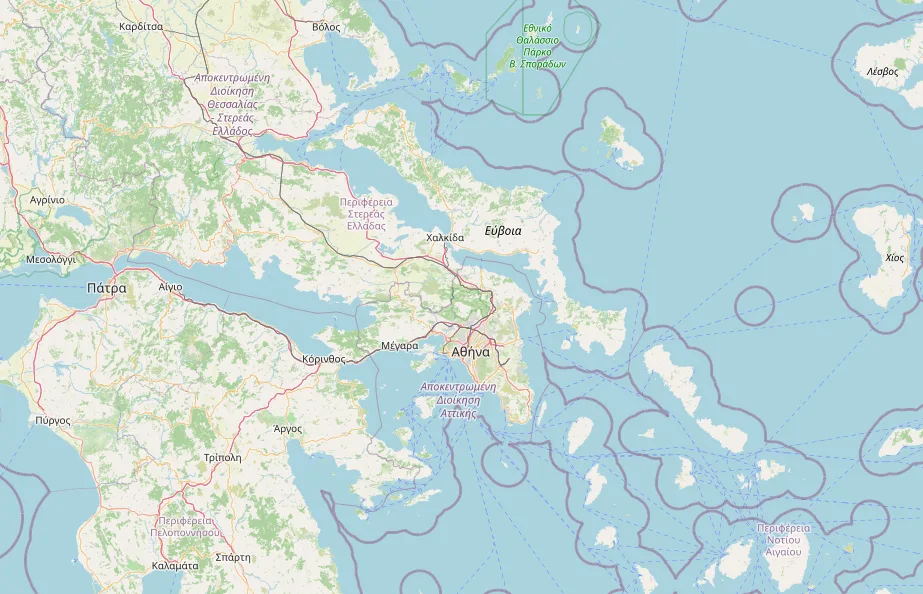
Give any event or span coordinates and watch your timeline unfold across geography, with campaigns, trade routes, and migrations traced where they actually happened.
Flip the whole canvas into a sortable table to edit dates, rename entries, and bulk-fix details, then jump straight back to the timeline.
Recolor the entire app or set different themes for each timeline with 100+ community themes. One tap to install, one tap to enable.
Browse the marketplaceRestore any version as a copy. Nothing is overwritten.
How Git Sync worksConnect your library to a GitHub repo you own. Every device stays in step, every sync is a version you can restore, and any timeline in a public repo gets a link that opens in the browser with its images and notes intact.
Yes. Timelines Studio is free and open-source under the GPL-3.0 license. There is no paid tier, no account, no ads, and no feature limit. Development is supported by optional donations.
Yes. The desktop app works offline and saves everything to your computer, with no account or sign-in. A few optional extras, such as Git Sync and the map tiles in Map View, need an internet connection.
Windows 10 and 11, macOS 12 Monterey or later, and 64-bit Linux as an AppImage. The web viewer opens .timeline files in any modern browser for viewing. Download Timelines
In plain files on your computer: each timeline is a .timeline JSON file, notes are Markdown files, and images sit in an assets folder. You can change these locations in settings, and nothing is uploaded to a server we run. How files work
Yes. Notes in Timelines are plain Markdown files, so you can point the notes folder at your Obsidian vault or link notes you already have to any event, span, or era. Your vault stays as it is, and Timelines keeps the timeline itself in its own .timeline file. How notes work
Yes. Export a timeline as a PNG, a video, JSON, or a packaged .timeline file that bundles its images and notes. Anyone can open a .timeline file in the web viewer without installing anything. With Git Sync and a public GitHub repo, every synced timeline also gets a shareable link. Exporting guide
Anything from a few days to billions of years. Dates can be years, months, or full calendar dates, with era labels like BCE and circa markers for approximate dates. Writing dates
Timelines Studio is free, open-source, and focused only on timelines, with your data kept as local files. Aeon Timeline is a paid desktop app, and World Anvil is a browser-based worldbuilding platform where timelines are one feature among many. See the full comparison
It is in early alpha. It is usable today, but expect bugs, missing features, and occasional breaking changes, so keep backups of timelines you care about.
Help shape the future of Timelines. Takes under 2 minutes.
Take the Survey